browse
Steps to Track Your Package
-
Use ParcelsApp: Visit parcelsapp.com and enter your tracking number to monitor your shipment's status.
-
Check Your Order Details: Tracking information is available in your order details. For orders with multiple items, each may have separate delivery dates and tracking numbers.
-
Understand Tracking Availability: Depending on the chosen shipping method, tracking information might not be immediately visible.
-
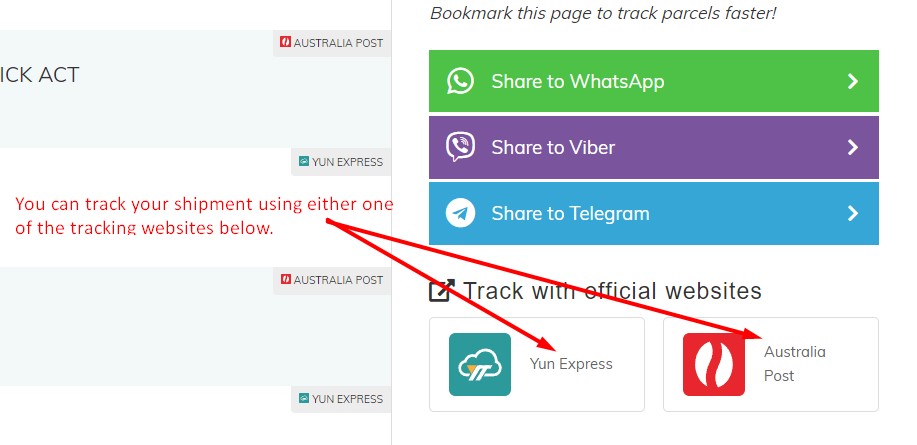
Local Tracking Numbers: If your local post office assigns a new tracking number, use it to track your shipment. Refer to the image below to identify your local tracking number.
-
Original Tracking Number: If no local tracking number is assigned, use the original tracking number on your country's local post office website. See the image below for guidance on where to track your package.
-
Original Tracking Number: If no local tracking number is assigned, use the original tracking number on your country's local post office website. See the image below for guidance on where to track your package.
-
- For more information about our Shipping and Delivery, please click here.

WE'RE HERE TO HELP!
If you require further assistance, submit a ticket here. We will respond within 48 hours.